
Most "AI landing page" tools fall into two buckets. The first bucket generates a finished page from a prompt (Framer AI, Durable, Wix AI). The second bucket helps a designer or founder design a page faster: turning a sketch into a mockup, generating components, drafting wireframes, or converting Figma into code.
This guide is about the second bucket. These are the best AI landing page design tools in 2026 for people who already think like designers (or want to) and need AI to compress the time between idea and high-fidelity output. We scored every tool on speed, quality, customization, and brand fit so you can pick by use case, not hype.
TL;DR: Figma with AI plugins is the default professional setup; Galileo AI is the fastest path from prompt to high-fidelity Figma file; Relume is the best for marketers shipping Webflow or Framer sites with AI-generated sitemaps and wireframes.
Best AI landing page design tools: a brief overview
Figma + AI plugins: Best overall for design teams who want AI inside their existing canvas instead of a new tool.
Galileo AI: Best prompt-to-high-fidelity-mockup tool, generates editable Figma files from a sentence.
Uizard: Best for non-designers who want to turn a sketch, screenshot, or prompt into an editable mockup.
Visily: Best for product teams generating early-stage wireframes from screenshots, Figma, or text.
Magician for Figma: Best in-Figma assistant for icons, copy, and component generation.
Builder.io: Best for shipping production code from Figma or a prompt, including Visual Copilot for design-to-code.
Relume: Best for marketing teams that want AI sitemaps and wireframes feeding straight into Webflow or Framer.
Tool | Key strength | Pricing | Platform |
|---|---|---|---|
Figma + AI plugins | AI inside the design tool every team already uses | Free tier; Pro from $15/editor/month | Figma, web, desktop |
Galileo AI | Prompt to editable Figma file in under a minute | Free tier; Pro from $19/month | Web, Figma plugin |
Uizard | Sketch, screenshot, or prompt to editable mockup | Free tier; Pro from $19/month | Web |
Visily | Fast AI wireframes from screenshots, text, or templates | Free tier; paid from $9/month | Web |
Magician for Figma | In-canvas AI for icons, copy, and components | Paid plugin, from around $5/month | Figma plugin |
Builder.io | Visual Copilot turns Figma into production React | Free tier; paid from $19/user/month | Web, Figma plugin, Headless CMS |
Relume | AI sitemaps and wireframes exported to Webflow or Framer | Free tier; Starter from $32/month | Web, Figma, Webflow, Framer |
Scoring: how the 7 AI landing page design tools stack up
Each tool is scored 1 to 5 on speed (time from prompt to output), quality (how usable the output is without manual cleanup), customization (how deep you can edit), and brand fit (how easy it is to keep your visual identity).
Tool | Speed | Quality | Customization | Brand fit | Score |
|---|---|---|---|---|---|
Figma + AI plugins | 3 | 5 | 5 | 5 | 18 |
Galileo AI | 5 | 4 | 4 | 4 | 17 |
Uizard | 5 | 3 | 3 | 3 | 14 |
Visily | 5 | 3 | 3 | 3 | 14 |
Magician for Figma | 4 | 4 | 5 | 5 | 18 |
Builder.io | 4 | 4 | 4 | 4 | 16 |
Relume | 4 | 4 | 4 | 4 | 16 |
1. Figma + AI plugins, best overall AI landing page design stack
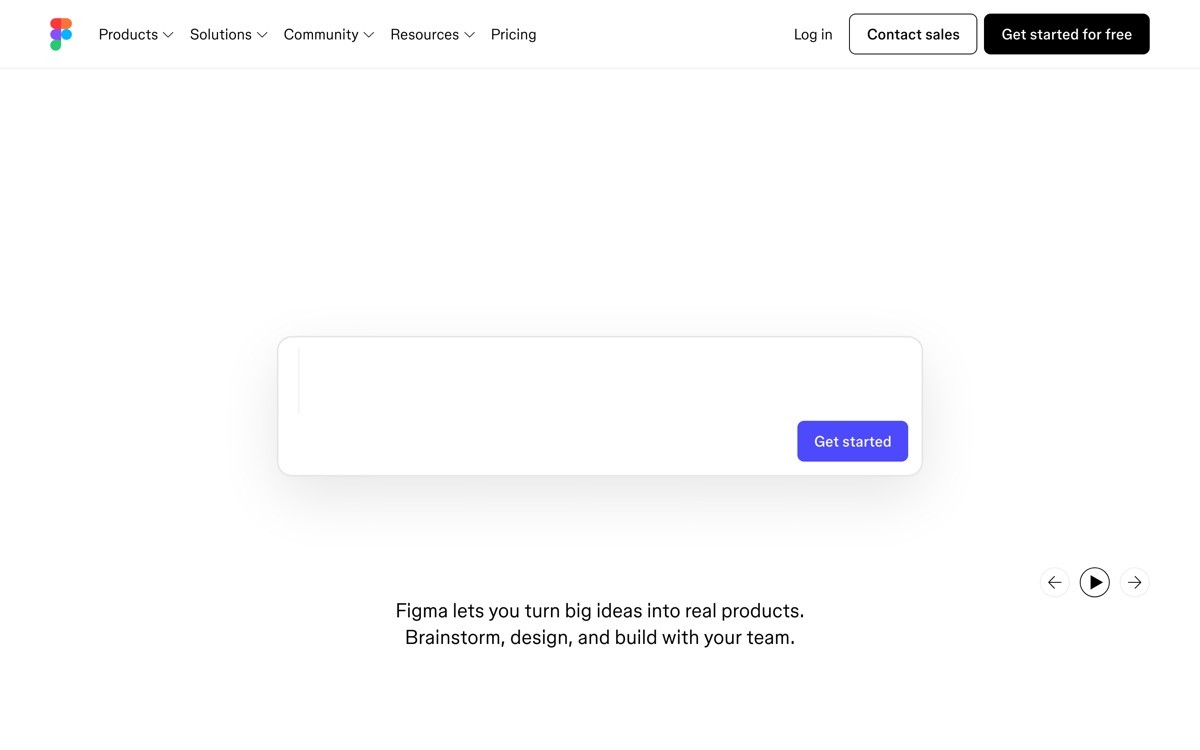
Figma is the design tool the rest of the industry uses, and its AI surface is now broad enough to handle most landing page tasks without leaving the canvas. With the right plugin stack you can prompt for sections, rewrite copy, generate icons, swap palettes, and convert designs into production code, all without context switching.
This entry is the "boring correct" answer for any designer or product team. The cost of standardizing on Figma plus a few well-chosen AI plugins is lower than buying a separate AI design tool because the team is already there.
Key strengths
Native Figma AI for image gen, layer renaming, prototype suggestions
Ecosystem of AI plugins (Magician, Galileo, Diagram, Relume) all in one canvas
Variables, auto-layout, and components for real production design systems
Real-time collaboration and FigJam for early-stage thinking
Industry-standard handoff to engineers
Best for
Design teams that already live in Figma and want AI without switching tools
Startups maintaining a real design system across landing page, product, and brand
Pricing
Free tier with up to 3 design files
Professional from $15 per editor per month
Organization from $45 per editor per month
AI plugins range from free to around $20 per month each
Pros
Deepest customization and highest quality ceiling of any tool in this list
You can swap any AI plugin in or out without changing your file structure
Cons
Requires designer fluency, not the right pick for a solo non-designer founder
Total AI plugin cost can climb if you stack five or six
2. Galileo AI, best prompt-to-mockup tool for high-fidelity output
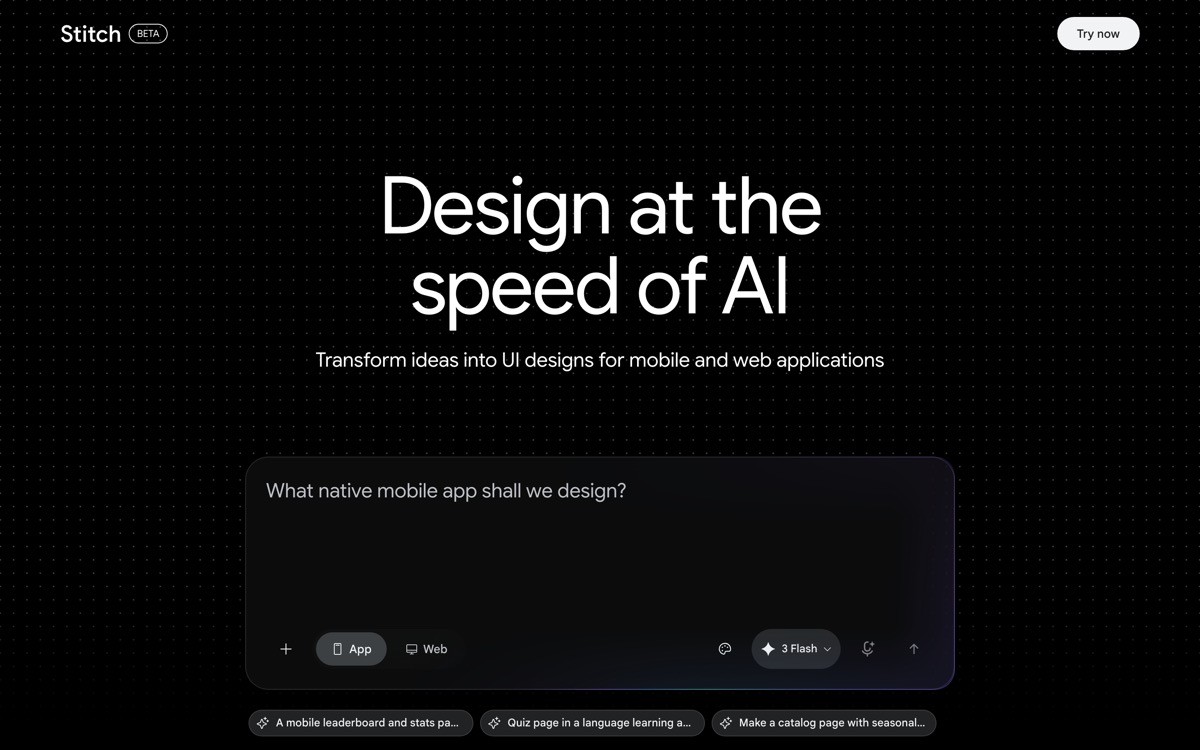
Galileo AI is a generative design tool that turns a single text prompt into a high-fidelity, editable mockup, then exports to Figma in one click. It is the fastest path from idea to a designed landing page screen that does not look templated.
Unlike wireframe tools, Galileo outputs full-color, typography-aware, image-included mockups that pass as real design work. The trade-off is that you cannot edit inside Galileo at the same depth as Figma, so the workflow is "generate in Galileo, polish in Figma."
Key strengths
Prompt-to-high-fidelity mockup in under 60 seconds
One-click export to editable Figma file with auto-layout
Generates illustrations, images, and copy alongside the layout
Style controls for tone (minimal, playful, enterprise) and color palette
Multi-screen flows from a single prompt
Best for
Designers who want to skip the blank canvas and ship a v1 in an hour
Founders pitching investors who need a high-fidelity mockup tomorrow
Pricing
Free tier with limited generations
Pro from $19 per month for unlimited generations
Team plans on request
Pros
Outputs are visibly closer to "designed" than any prompt-based competitor
Figma export means no migration friction
Cons
Brand fit is approximate, you still need a designer pass to match your identity
Generation credits cap on lower tiers
3. Uizard, best for non-designers turning sketches into mockups
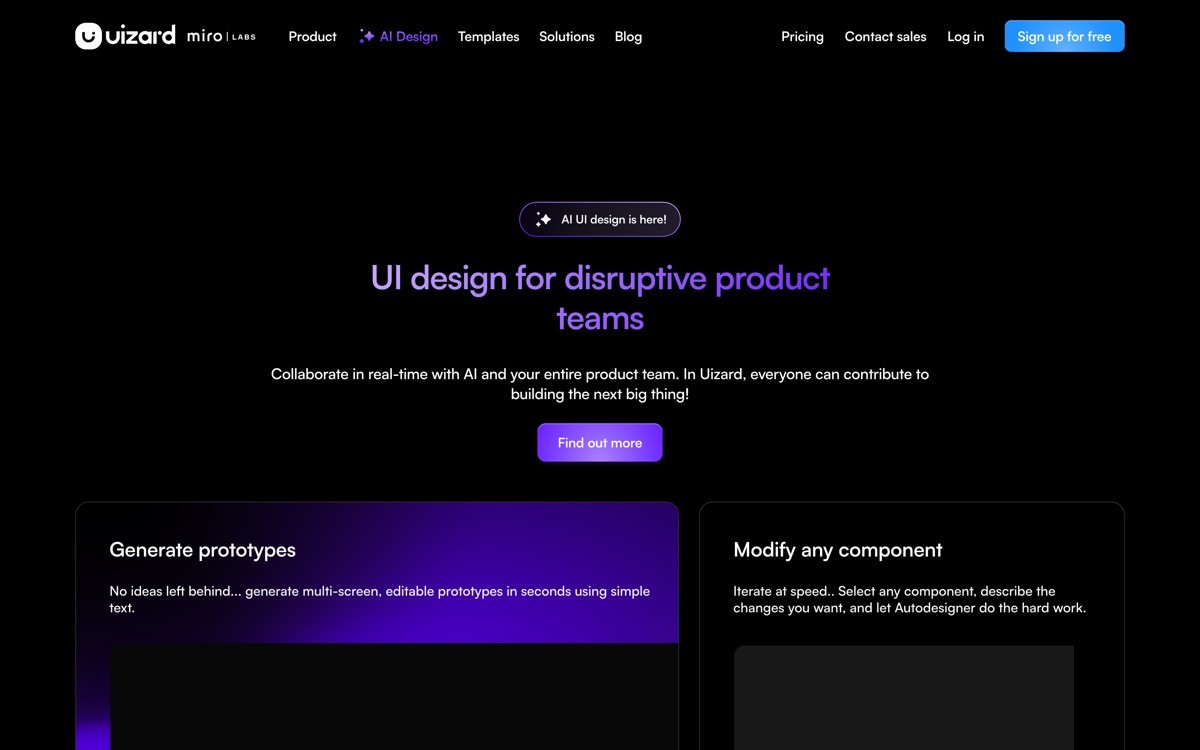
Uizard is an AI design tool that converts hand-drawn sketches, screenshots, or text prompts into editable mockups and prototypes. It is built for product managers, founders, and engineers who are not designers but need to communicate design intent quickly.
The output is intentionally not as polished as Galileo's because the goal is "good enough to test the idea," not "good enough to ship." For early product discovery, user research, or internal alignment, that is the right altitude.
Key strengths
Photo-to-mockup: snap a sketch and get an editable digital version
Screenshot scanner clones an existing site into editable wireframes
Text-to-design from prompts for landing pages, apps, and dashboards
Built-in prototyping for clickable user flows
Theme generator for quick brand palette swaps
Best for
Non-designer founders and PMs communicating ideas to engineers
User researchers prototyping concepts for moderated tests
Pricing
Free tier with limited projects
Pro from $19 per month per creator
Business from $39 per month for teams
Pros
Lowest barrier to entry of any tool in the list
Sketch-to-design feature is genuinely useful for whiteboard-driven teams
Cons
Output is closer to a prototype than a shippable design
Component system is shallow, not a production design system
4. Visily, best AI wireframe tool for product teams
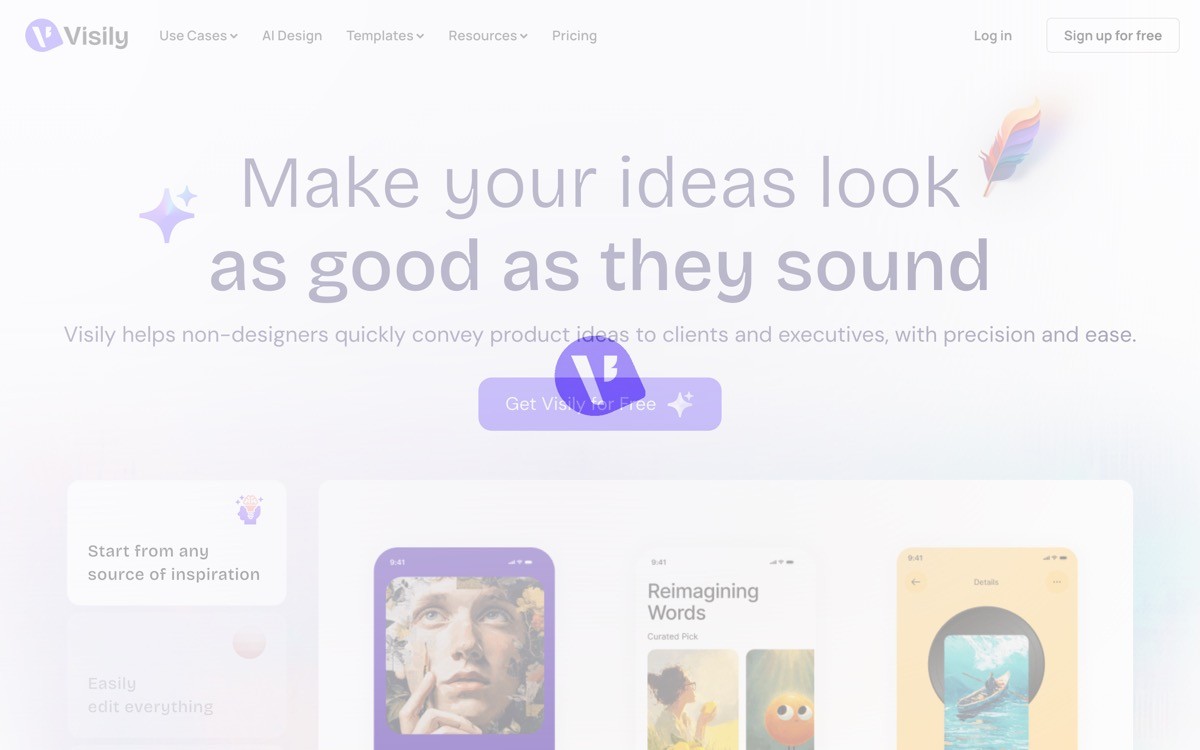
Visily is an AI wireframing tool that generates low and mid-fidelity wireframes from text prompts, screenshots, or templates. It is positioned between Uizard (more polished) and FigJam (more freeform), with a heavy focus on speed for product discovery.
Use it when the team is still aligning on layout and information architecture. Once you have direction, move into Figma or Galileo for high fidelity. Visily is intentionally cheap and fast so you can throw away three wireframes before lunch without regret.
Key strengths
Text-to-wireframe in under 30 seconds
Screenshot-to-wireframe for redesign starting points
Magic style switcher for fidelity (wireframe to mockup)
Template library for SaaS, mobile, and dashboards
Collaborative canvas for team alignment
Best for
Product teams in discovery mode aligning on landing page IA
Founders mocking up three or four directions before committing
Pricing
Free tier with three projects
Pro from around $9 per month
Team plans from around $19 per month
Pros
Genuinely cheap, so wireframing in volume is not a budget issue
Style switcher is useful for moving from wireframe to mockup gradually
Cons
Not a final-design tool, expect to migrate to Figma or Webflow
Brand customization is shallow
5. Magician for Figma, best AI assistant inside the Figma canvas
Magician is a Figma plugin that adds three AI tools to the canvas: prompt-to-icon, prompt-to-image, and prompt-to-copy. It is the "AI Swiss army knife" for designers who already work in Figma and want fast wins on tedious tasks.
Unlike standalone AI tools, Magician fits inside the existing workflow. You stay in the file, prompt, and drop the result into your frame. The output quality is high enough that it is one of the only AI plugins serious design teams keep installed long-term.

Key strengths
Magic Icon: prompt a description, get a clean SVG icon
Magic Image: generate on-brand illustrations and photos inside Figma
Magic Copy: rewrite hero, CTA, or feature copy in the canvas
Works inside any Figma file with no setup
Light footprint, no separate tool to maintain
Best for
Working designers who want AI utilities without leaving Figma
Teams that already have a design system and just need filler assets faster
Pricing
Free trial for a small number of generations
Paid plans from around $5 per month per editor
Team plans available
Pros
Stays inside Figma, zero context switching
Icon and copy quality are usable as-is for most landing pages
Cons
Not a layout or sitemap tool, scope is narrow on purpose
Image generation lags dedicated image tools
6. Builder.io, best AI design tool for shipping production code
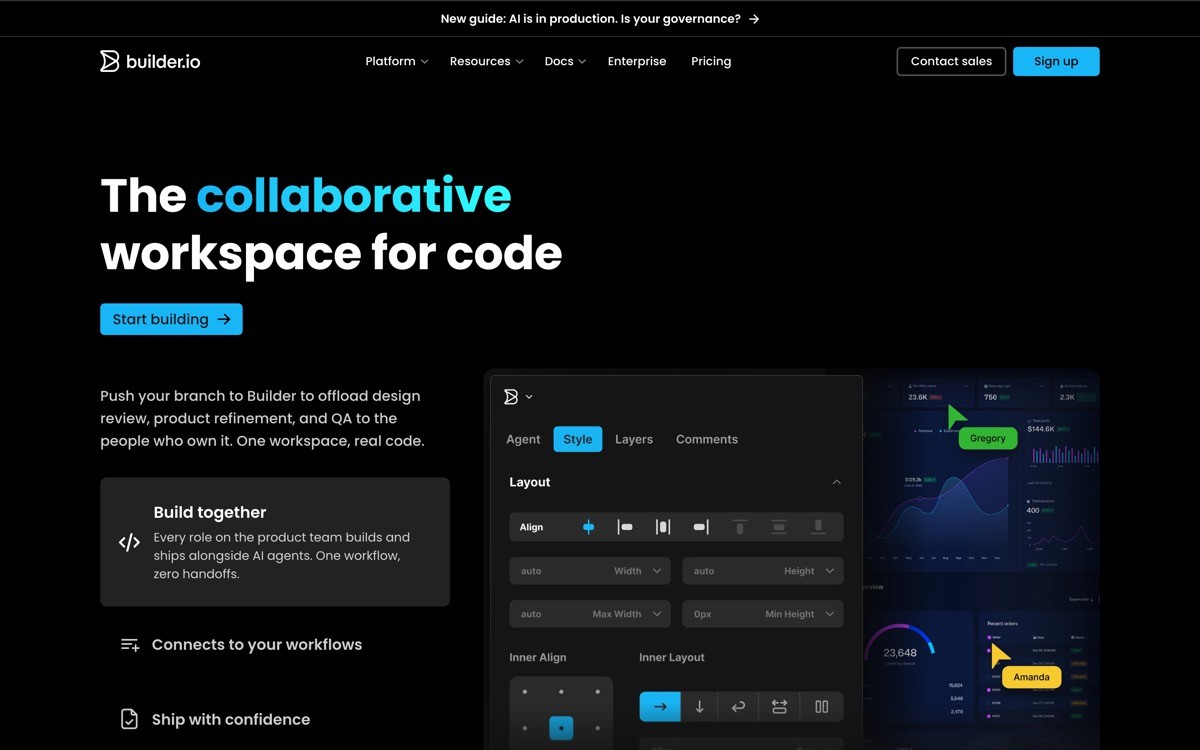
Builder.io is a visual development platform whose Visual Copilot feature turns a Figma frame into clean React, Vue, Angular, or HTML code. It is the right pick when the design-to-code handoff is the bottleneck, which it usually is for marketing teams shipping landing pages weekly.
The tool also supports prompt-to-design with AI generating new sections, and a headless CMS so marketers can edit live pages without engineering. For teams that want to compress the design-build-publish loop into one tool, this is the strongest entry.
Key strengths
Figma-to-code via Visual Copilot, framework-aware output
Headless CMS so marketers can edit live pages without code
Drag-and-drop visual editor that emits real production components
A/B testing and personalization built in
Integrates with Next.js, Remix, Astro, Shopify, and more
Best for
Engineering teams that want marketers to ship pages without PRs
Companies on Next.js or Remix that want a visual layer for landing pages
Pricing
Free tier with limited entries and traffic
Basic from $19 per user per month
Growth and Enterprise pricing on request
Pros
The most production-grade output in the list, real code on your stack
A/B testing and personalization are first-class, not bolted on
Cons
Overkill for a single static landing page
Engineering setup is required to integrate with an existing app
7. Relume, best AI sitemap and wireframe tool for Webflow and Framer
Relume is an AI design tool that generates a full sitemap and wireframe set from a company description, then exports directly to Webflow or Framer. It is the marketer's answer to "I need a 12-page site and I want AI to draft the structure, not just one page."
The output is a low-fidelity wireframe set tied to a sitemap, plus a library of 1000+ design components you can drop in. Marketers and small agencies use it as a starting kit that compresses two days of strategy work into 20 minutes.

Key strengths
AI sitemap from a company description
AI wireframes for every page in the sitemap
1000+ pre-built Webflow and Framer components
One-click export to Webflow Designer or Framer
Style guide generator for design tokens
Best for
Marketing teams and freelancers shipping multi-page sites on Webflow or Framer
Agencies that need to scope a site quickly during sales calls
Pricing
Free Library access with limited components
Starter from $32 per month for full Library and AI features
Pro from $52 per month for advanced AI usage
Pros
The fastest sitemap-to-wireframe pipeline in the category
Webflow and Framer export removes a manual rebuild step
Cons
Wireframe fidelity is intentionally low, not a final-design tool
Best value if you are already on Webflow or Framer
How to choose the best AI landing page design tool for your team
1) Are you a designer, a product team, or a marketer?
Designers should stay in Figma and add Magician plus Galileo. Product teams in discovery should use Uizard or Visily. Marketers shipping multi-page sites should use Relume into Webflow or Framer. Pick by the role of the person actually using the tool, not by feature list.
2) Do you need a wireframe, a mockup, or production code?
Wireframes for alignment: Visily or Relume. Mockups for stakeholder buy-in: Galileo or Uizard. Production code for engineering handoff: Builder.io or Figma plus Visual Copilot. Picking the wrong fidelity level wastes a week.
3) How important is brand consistency?
Figma plus Magician scores highest because you bring your own design system. Galileo is close, with style controls and Figma export. Uizard and Visily are lowest because they prioritize speed over brand fidelity. If brand consistency matters, do not let AI generate the final pixels without a designer pass.
4) How big is your team and budget?
Solo founders should pick one tool (Galileo or Uizard) and stop. Small teams should standardize on Figma plus two plugins (Magician and Relume). Larger orgs running landing page programmes should add Builder.io for shipping speed. The trap is buying five tools and using none of them properly.
If you have picked your AI design tool but want a design partner to turn the output into a landing page that actually converts, that is what AY Design does. We work with founders and product teams to take AI-generated drafts, Figma files, and Lovable apps and turn them into profitable, human-grade products. Book a design audit to see where your current page is leaking conversions.
FAQ
What is the best AI landing page design tool in 2026?
Figma combined with AI plugins like Magician, Galileo, and Relume is the best AI landing page design stack in 2026 for professional teams. Galileo AI is the best standalone tool for prompt-to-high-fidelity mockups. Relume is the best for marketers shipping sitemaps and wireframes into Webflow or Framer.
What is the difference between an AI landing page generator and an AI design tool?
An AI landing page generator (Framer AI, Durable, Wix AI) produces a finished page from a prompt. An AI landing page design tool (Galileo, Uizard, Visily, Relume) helps a designer or founder design a page faster by generating wireframes, mockups, components, or code. Generators replace the design step; design tools accelerate it.
Is Figma AI good for landing page design?
Yes, Figma's native AI features plus a small stack of plugins handle most landing page design tasks well. Native AI covers image generation, layer renaming, and prototype suggestions. Plugins like Magician, Galileo, and Relume add icon, copy, layout, and sitemap generation.
Can I use Galileo AI for landing pages?
Yes, Galileo AI is one of the strongest tools for landing page mockups specifically. It generates a multi-section, high-fidelity page from a prompt in under 60 seconds and exports directly to Figma. The output usually needs a designer pass to match your brand precisely.
What is the fastest way to design a landing page with AI?
Galileo AI is the fastest way to get from a prompt to a high-fidelity, editable landing page mockup, usually under 60 seconds plus export to Figma. For wireframes, Visily and Relume are faster. For production code from a Figma frame, Builder.io's Visual Copilot is the fastest end-to-end.
Are AI design tools good enough for production landing pages?
Not without a designer pass. AI design tools are excellent for first drafts, wireframes, and stakeholder mockups, but the output is templated and brand-generic. Production landing pages need a designer to tune typography, spacing, illustration, and copy until the page feels intentional rather than generated.
Which AI tool turns Figma into code?
Builder.io's Visual Copilot is the leading tool that turns Figma frames into production React, Vue, Angular, or HTML code. Anima and Locofy are alternatives with similar features. All three work best when the Figma file uses auto-layout, components, and proper naming.
Should I learn Figma or just use an AI design tool?
Learn Figma if design is a meaningful part of your job for more than three months. Use an AI design tool like Uizard or Galileo if you need one-off mockups occasionally. Figma plus AI plugins is strictly more powerful, but it has a learning curve that pays off only if you keep designing.
Checkout other Blogs:

Best AI Design Agencies in 2026 (for AI Startups)
A 2026 comparison of the top AI design agencies, with positioning, real strengths, honest trade-offs, and a framework AI startups can use to pick the right partner.
Author:
AY Designs Team
AI safety UX design patterns for 2026
Seven AI safety UX patterns that keep users informed and in control: refusals, content warnings, opt-in flows, prompt injection warnings, audit logs.
Author:
AY Designs Team

AI RAG citation UX design patterns for 2026
Seven RAG citation UX patterns that move user trust: inline citations, source ranking, multi-hop reasoning, and how Perplexity, Claude, and NotebookLM design them.
Author:
AY Designs Team

AI prompt engineering UX design patterns for 2026
Seven AI prompt engineering UX design patterns for 2026, with examples from PromptLayer, Vellum, PromptHub, Anthropic Console, and OpenAI's prompt cache surface. How to design prompt tooling teams trust.
Author:
AY Designs Team